Autor: Sercha

  • What Is a Smart Home? A Complete Beginner’s Guide

    What Is a Smart Home? A Complete Beginner’s Guide

    If you’ve ever walked into a room and had the lights turn on before you reached the switch, or asked a speaker to lower the temperature without getting off the couch, you’ve already seen a smart home in action. It’s not science fiction anymore — it’s a light bulb, an app, and a Wi-Fi connection.

    But if you’re just starting to look into it, the whole topic can feel oddly overwhelming. There are dozens of brands, three or four competing standards, and a wall of jargon (hub, protocol, ecosystem, Matter) that nobody bothers to explain in plain English. So let’s fix that.

    This guide walks you through exactly what a smart home is, how the pieces fit together, what you actually need to get started, and — just as importantly — what you don’t need to worry about yet.

    What Does «Smart Home» Actually Mean?

    At its core, a smart home is simply a house where some of the everyday devices — lights, locks, thermostats, plugs, cameras — are connected to the internet (or to each other) so you can control them remotely, automate them, or have them react to your habits.

    That’s it. There’s no minimum number of gadgets required and no official certification you need to pass. If you own a single smart plug that turns your coffee maker on every morning at 7 a.m., you technically already have a smart home — just a very small one.

    What makes a device «smart» isn’t really the gadget itself, but the layer of software behind it: an app on your phone, a voice assistant, or a set of rules that let the device act on its own instead of waiting for you to flip a switch.

    A Quick Example

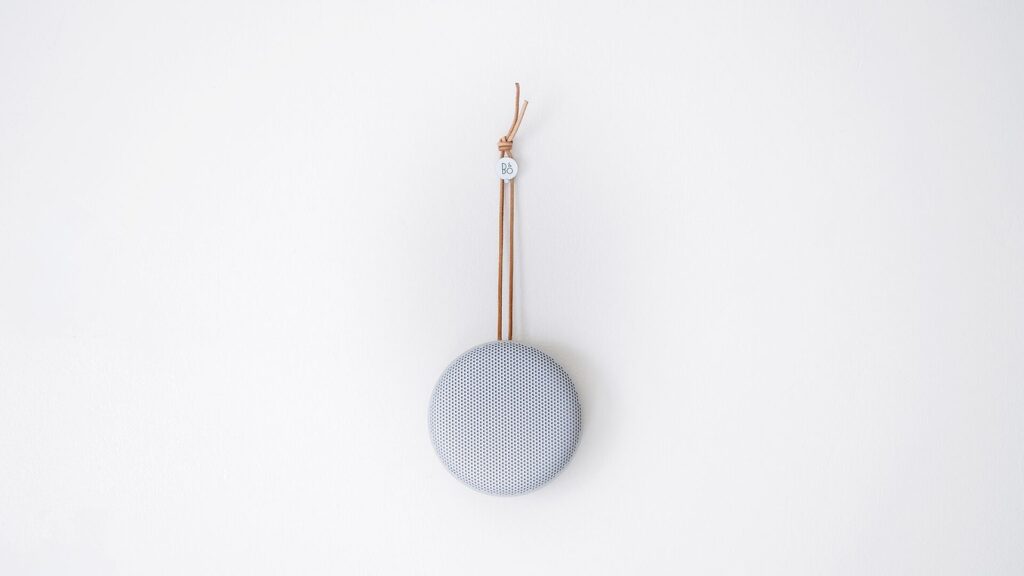
    Picture a normal evening. Instead of manually turning off the lights, locking the door, and lowering the thermostat before bed, you say one sentence — «Good night» — to a smart speaker, and all three things happen at once. That’s the entire promise of a smart home: fewer small chores, without you having to think about them.

    How Does a Smart Home Actually Work?

    Every smart home is built from three layers, and understanding them makes everything else — buying decisions, troubleshooting, future upgrades — much easier.

    1. The Devices

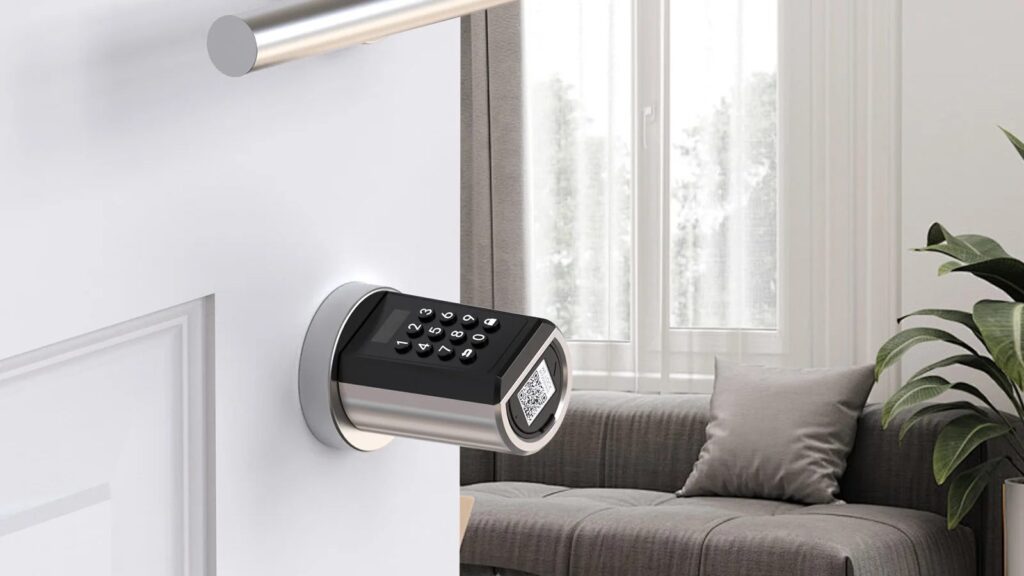
    These are the physical products: smart bulbs, plugs, locks, thermostats, cameras, sensors. Each one does one job well. A smart plug turns power on and off. A smart lock locks and unlocks a door. Nothing magical happens at this level on its own — the device just needs to be told what to do.

    2. The Connection

    Devices need a way to talk to your phone, to each other, or to a central hub. Most consumer smart home devices today connect through one of a few methods:

    • Wi-Fi — connects directly to your home router, no extra hardware needed. Simple, but can slow down your network if you add dozens of devices.
    • Bluetooth — short-range, low-power, usually needs your phone nearby to work.
    • Zigbee / Z-Wave — low-power wireless protocols designed specifically for smart home devices; they need a separate hub to bridge them to your Wi-Fi network.
    • Matter — a newer, brand-agnostic standard (launched in 2023 and steadily gaining adoption through 2026) designed to let devices from different manufacturers work together without needing a specific app for each one.

    You don’t need to memorize all of this on day one. Just know that Wi-Fi devices are the easiest starting point because they don’t require any extra hardware.

    3. The Control Layer

    This is how you actually interact with everything: a manufacturer’s app, a voice assistant like Amazon Alexa or Google Assistant, or an automation platform. This layer is also where the real value of a smart home shows up — not in the individual devices, but in the routines and automations you build with them («when I leave home, turn off all the lights and lower the thermostat»).

    Do You Need a Hub?

    This is one of the most common questions beginners ask, and the honest answer is: not always.

    • If you’re buying Wi-Fi devices (most beginner-friendly smart plugs, bulbs, and cameras), you don’t need a separate hub — they connect straight to your router.
    • If you’re buying Zigbee or Z-Wave devices (common with certain smart lock and sensor brands, and often cheaper per unit), you’ll need a hub to connect them to your phone and to each other.
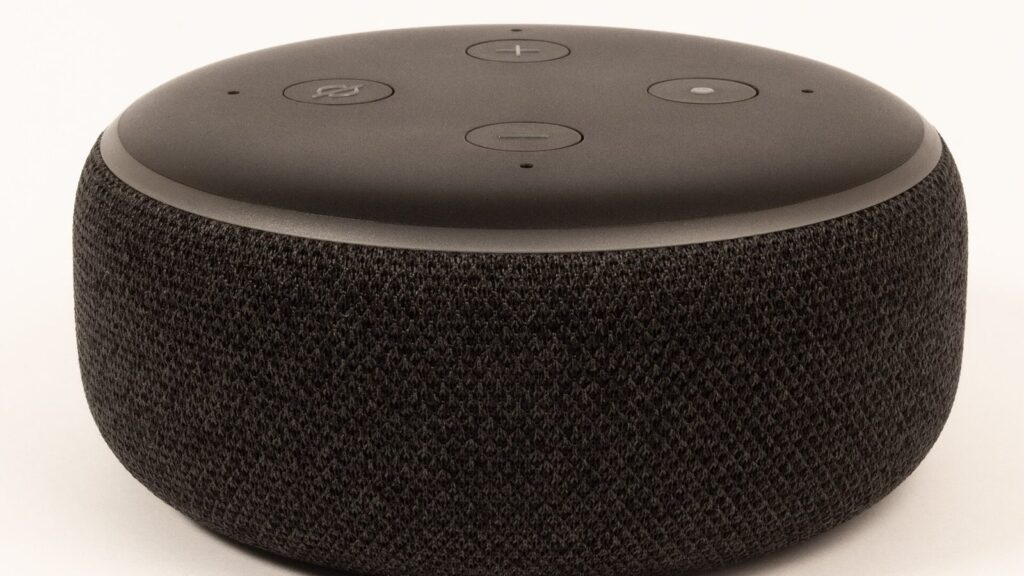
    • Voice assistant speakers (Amazon Echo, Google Nest) can also act as a lightweight hub for many Wi-Fi and Matter-compatible devices, which is often the simplest setup for a first-timer.

    If you’re just starting out, our general advice is: skip the hub for now. Start with two or three Wi-Fi devices, get comfortable with how automations work, and only add a dedicated hub later if you outgrow what Wi-Fi alone can do.

    What Do You Actually Need to Get Started?

    You don’t need to automate your entire house on day one — in fact, we’d actively recommend against it. Here’s a realistic starter setup:

    1. A smart speaker or display (Amazon Echo Dot or Google Nest Mini are the cheapest entry points) — this becomes your voice control hub for almost everything else.
    2. One or two smart plugs — the easiest, cheapest way to «smart-ify» something you already own, like a lamp, a fan, or a coffee maker.
    3. A smart bulb or two in a room you use often — living room or bedroom are good starting points.
    4. A stable Wi-Fi connection — this matters more than people expect. A weak router signal is the number one cause of «my smart home doesn’t work» complaints.

    That’s genuinely enough to get a feel for how automation changes your daily routine, usually for well under $100.

    Choosing an Ecosystem: Alexa, Google, or Apple?

    This is the one decision worth taking seriously before you buy anything, because switching later means re-buying some devices.

    • Amazon Alexa — the widest device compatibility, generally the cheapest hardware, strong smart speaker lineup.
    • Google Assistant / Google Home — excellent voice recognition, integrates tightly with Android phones and Google services.
    • Apple HomeKit — the most privacy-focused option and the tightest integration if you’re already deep into iPhones and iPads, but historically has had a smaller (though growing) selection of compatible devices.

    The good news: thanks to the Matter standard, this decision matters less than it used to. An increasing number of new devices work across all three ecosystems, so picking «wrong» in 2026 is a much smaller risk than it was even two or three years ago.

    Common Mistakes Beginners Make

    • Buying too much, too fast. A box full of unconnected gadgets is more frustrating than helpful. Start small, get one automation working well, then expand.
    • Mixing incompatible ecosystems without checking first. Always check a product’s compatibility list before buying — it’s usually printed clearly on the box or listed on the product page.
    • Ignoring Wi-Fi capacity. Every smart device is a small computer sitting on your network. If your router is old or your signal is weak in certain rooms, that’s the first thing to fix.
    • Skipping the security basics. Change default passwords, keep device firmware updated, and use a separate guest network for smart devices if your router supports it (this is called network segmentation, and it’s simpler to set up than it sounds).

    Is a Smart Home Worth It?

    For most people, yes — but the value isn’t really about «gadgets,» it’s about a handful of very specific everyday frictions disappearing: never wondering if you left the lights on, not fumbling for keys in the dark, glancing at your phone to check who’s at the door instead of getting up. It rarely feels dramatic. It just quietly removes a few small annoyances from your day, and that adds up faster than most beginners expect.

    It’s also worth saying plainly: you don’t need to spend hundreds of dollars to find out if it’s for you. A $20-$30 smart plug and speaker combo is enough to test the waters before committing to a full setup.

    Final Thoughts

    A smart home isn’t a single purchase or a finished project — it’s more like a habit you build gradually, one device and one automation at a time. Start with something simple that solves an actual annoyance in your day, get comfortable with how it works, and expand from there. There’s no rush, and no «correct» way to do it.

    In the next guides in this series, we’ll go deeper into each category — security, lighting, climate control, and voice assistants — so you can build out your setup with confidence, one room at a time.


    Have a specific question about getting started? Check out our troubleshooting guides or browse our best smart home devices for beginners to see exactly what we recommend for a first setup.

  • Hello world!

    Welcome to WordPress. This is your first post. Edit or delete it, then start writing!