Few smart home questions produce as much fear as this one. Headlines about hacked locks sell clicks, and the mental image of a stranger unlocking your door from a laptop is genuinely terrifying. However, the gap between the headlines and the everyday reality is wide. The honest answer to how secure are smart locks from hacking has two parts. The digital risks are real but narrow, and the physical risks are broader than most buyers realize. This guide separates the actual attack vectors from the movie plots, so you can decide with facts instead of fear.
How Secure Are Smart Locks From Hacking? The Honest Answer
Think of a smart lock as two locks stacked together. The first is the physical deadbolt, which works exactly like a traditional one. The second is the electronics that control it, which add a new attack surface. Therefore, the honest answer depends on which layer you’re asking about.
The digital layer is where fear lives. In reality, the widely reported “smart lock hacks” almost always fall into two buckets. The first bucket is researcher findings, where security experts demonstrate a vulnerability in a specific model and the vendor ships a patch. The second bucket is account problems, where a reused password or a stolen phone gives someone access. Neither resembles the Hollywood version of a stranger unlocking your door at will.
Meanwhile, the physical layer rarely makes headlines, yet it decides most real outcomes. A lock’s resistance to picking, bumping, and brute force is graded under the ANSI/BHMA standard. Grades run from 1 to 3, and Grade 1 is the strongest. In other words, a smart lock with a weak deadbolt is weak, no matter how strong its encryption is.
How Smart Locks Authenticate
Understanding the risk starts with understanding the connection. A smart lock communicates with your phone or hub over one of several wireless standards, typically Bluetooth, Wi-Fi, Thread, or Z-Wave. In every case, the lock and the app exchange encrypted credentials before an unlock happens, and reputable brands use modern encryption rather than homemade schemes.
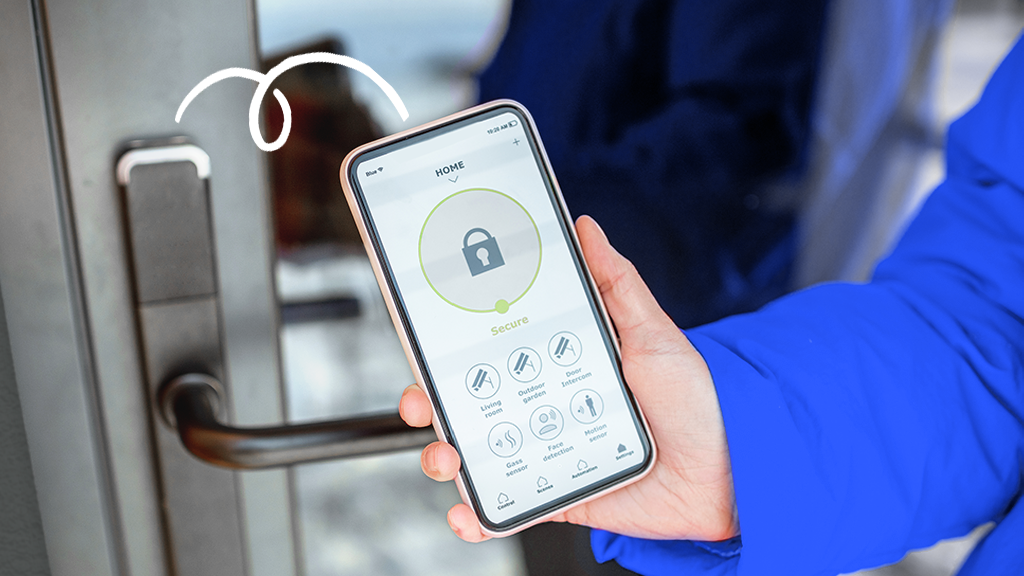
The weakest link is rarely the protocol. It’s the human layer around it. Access to your lock usually flows through an account, and that account is only as strong as its password and its two-factor authentication. Therefore, the FTC’s guidance on securing internet-connected devices at home applies directly to your door. Use a unique password, enable two-factor authentication, and never share logins.
Architecture also matters. Some locks work entirely on your local network through Thread or Matter, with no vendor cloud in the path. Others depend on the cloud for remote access. Fewer internet touchpoints mean a smaller attack surface. Therefore, ask one question before buying: what happens to this lock if the vendor’s cloud disappears?
Newer locks add another layer through Matter, the interoperability standard from the Connectivity Standards Alliance. Matter-certified devices must meet security requirements, including encrypted communication and secure device pairing. As a result, choosing a Matter-certified lock from an established brand raises the baseline for the whole category.
The Real Attack Vectors
Let’s walk through what an attacker can actually do, from most to least realistic:
- Compromised accounts. Reused passwords, missing 2FA, and lost phones top the list. If someone controls your account, they control the door, no hacking required.
- Physical attacks. Picking, bumping, drilling, or simply forcing the door remains the classic route. Electronics play no part in it.
- Model-specific vulnerabilities. Researchers have found flaws in individual smart locks over the years, from weak pairing to relay tricks that extend a nearby phone’s signal. Vendors patched most of them, which is why firmware updates matter.
- Stolen backup keys. Every lock with a physical key carries the same risk as a traditional one, so treat backups accordingly.
- Theft of the device itself. A lock removed from the door can be examined offline, which is one reason encryption keys should live in tamper-resistant hardware.
Notice what’s missing: the anonymous hacker cracking your specific lock from across the internet. That scenario has no real-world track record, because locks are not exposed to the open internet in the way a poorly secured server is.
What the Research Actually Shows
Security research on smart locks is real, and it has produced legitimate fixes. Over the years, academics and independent researchers have documented flaws in specific models, from predictable unlock codes to Bluetooth relay attacks. These findings are valuable, and they explain why brand reputation and update support matter when you buy.
However, context is everything. The same research community has not documented a wave of burglaries enabled by remote lock hacking. Burglars still prefer force, open windows, and unlocked doors, because those work better and leave less trace. For example, studies of early Bluetooth locks found several models vulnerable to relay attacks. In those attacks, a device near the door extends your phone’s signal to unlock it. That finding pushed newer hardware toward stricter pairing and encrypted sessions. In other words, treat smart lock research as a reason to choose carefully and update diligently, not as evidence that all smart locks are backdoors.
How to Harden Your Smart Lock
Most of the risk lives in configuration, which means most of it is fixable today:
- Secure the account first. Use a unique password and enable two-factor authentication on the lock’s app and on the email tied to it.
- Update firmware when asked. Patches fix exactly the researcher-discovered flaws that make headlines.
- Choose physical strength. Look for a Grade 1 or Grade 2 deadbolt, and check the strike plate, since a reinforced frame defeats attacks the lock itself never sees. Our guide to the best smart locks for front doors covers models that combine both layers well.
- Prefer Matter-certified, established brands. Proven vendors with a security track record and a history of updates beat flashy newcomers.
- Use guest codes instead of sharing the master. Time-limited codes for visitors keep the main credential private.
- Keep a physical key backup safe. Off-site or with a trusted neighbor, not under the mat.
- Review the entry log periodically. A code you didn’t create or an unlock at 3 a.m. is a signal worth investigating.
That last habit is the quiet superpower of smart locks: they log entries that a traditional lock can never report.
Signs Your Lock Might Be Compromised
Smart locks fail loudly, which is a feature. Watch for these signals:
- Unknown entries in the history. Codes or unlocks you don’t recognize deserve an immediate investigation.
- Codes that stop working. If a guest code suddenly fails, check whether someone changed the settings.
- Odd alerts. Unlock notifications at strange hours, repeated failed attempts, or the app logging you out are all worth attention.
- The app behaving differently. New devices on the account, changed recovery options, or settings you didn’t touch point to a compromised account.
If any of these appear, act in order. Change the account password and enable or reset 2FA. Delete unknown codes and devices, then factory-reset the lock before re-pairing it. The whole process takes minutes and closes the door on any access you didn’t grant.
Smart Lock vs Traditional Lock: Which Is Actually Safer?
It’s a fair question, and the honest answer surprises people. A traditional deadbolt has known weaknesses: keys get copied, locks get bumped, and nobody knows who came and went. A smart lock shares the physical weaknesses, since the bolt is similar, but it adds a documented entry log, remote locking, and instant credential revocation.
Consider the most common failure of all: the forgotten lock. Smart locks fix that with auto-lock rules, which secure the door automatically after a set delay. Meanwhile, if a key is lost, a traditional lock forces a rekey. A smart lock simply deletes the lost credential or issues a new guest code, which is a genuine security advantage.
The added risk is the account layer, and it is manageable with the hygiene habits in this guide. In other words, for a careful owner, a smart lock is at least as safe as a traditional one, and better documented. For a careless owner, neither lock helps much, since most break-ins still come through an open door or a forced frame.
What About Keypads and Fingerprints?
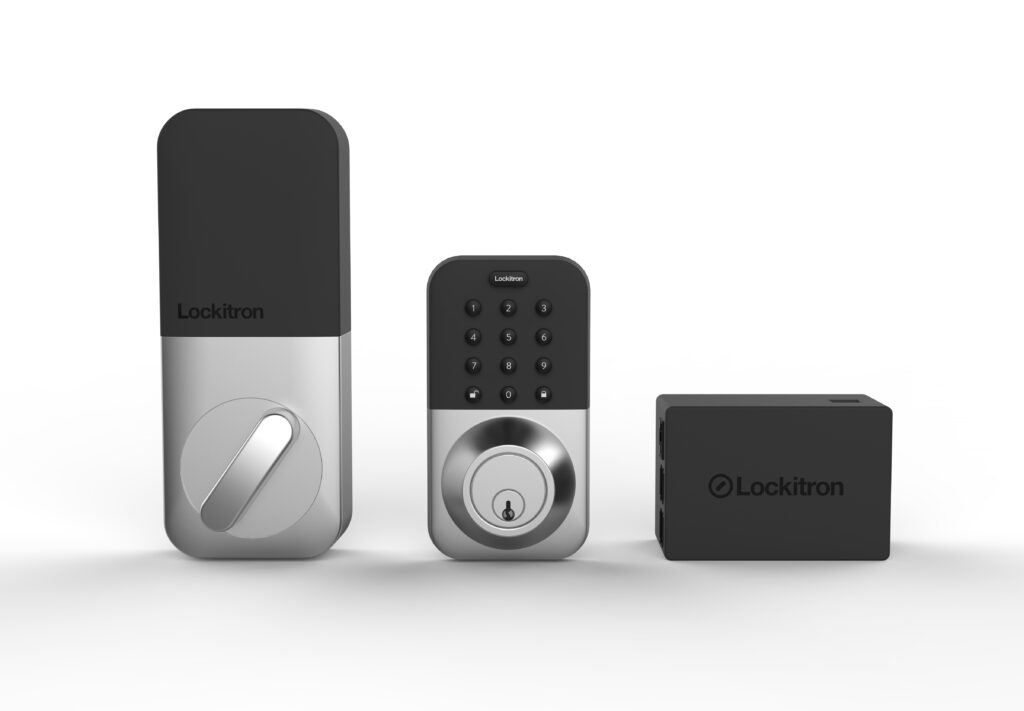
Codes and biometrics deserve a quick note, since they’re the daily interface with your lock. Keypad codes can be observed, either by someone watching you type or by smudges left on the keypad. Some models fight back with scrambling keypads that rearrange digits on every use, which defeats both shoulder-surfing and smudge-reading. Fingerprint readers are convenient. The practical risk of a forged print against your front door is minimal compared with a lost phone or a shared password.
Physical keys remain the most secure backup and the most common failure point, since a copied or lost key bypasses every electronic safeguard. Therefore, keep key control tight, and remember that a lock’s security is only as good as the weakest credential you hand out.
Myths vs Reality
| Myth | Reality |
|---|---|
| Hackers unlock smart locks remotely every day | No documented pattern of such burglaries exists |
| Smart locks are less secure than regular deadbolts | Same physical bolt, plus an encrypted electronic layer |
| A smart lock needs no physical key | A key backup is recommended for outages and failures |
| Once hacked, a lock stays compromised | Factory reset, re-pairing, and updates restore control |
Final Thoughts
So, how secure are smart locks from hacking? Secure enough to trust, if you buy a reputable model, keep it updated, and protect the account that controls it. The fear around them is disproportionate to the evidence, while the real risks, weak passwords, physical force, and forgotten firmware, are entirely manageable. If you harden your lock the way this guide describes, you end up with something genuinely rare. Your front door becomes both more convenient and better documented than the one it replaced. That’s a trade most homeowners would happily make.
Hardening the lock is one step. Building the security setup around it is the other. Our DIY smart home security system guide shows how locks, sensors, and cameras work together.
Written by Ángel D. Serrano, who runs Automating Our Home. Finishing a philosophy degree, a patient reader of manuals, and the person who has broken more smart plugs than he will admit. He writes the guides so you only have to decide once.