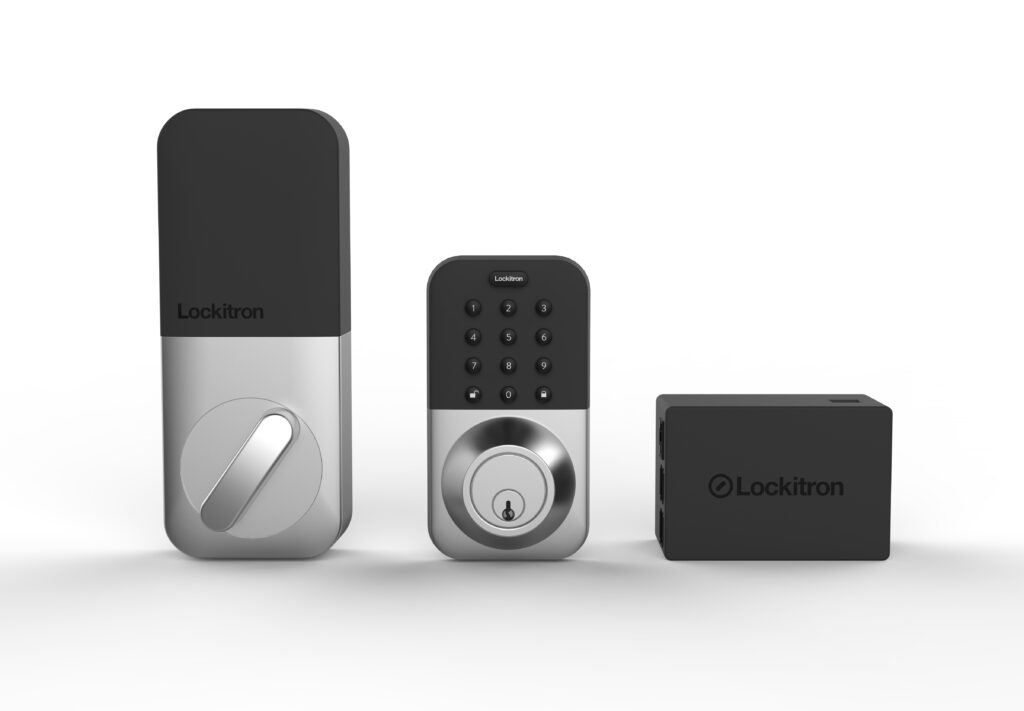
Your front door is the entrance your family uses every single day. It’s also the one that causes the most friction: keys get lost, kids forget them, and every guest needs a copy made. Smart locks solve that problem by replacing keys with codes, fingerprints, and phones. As we noted in our renters guide to smart home devices, some models don’t even require replacing your existing deadbolt. However, the category has expanded quickly, and the options can feel overwhelming. So here’s a practical look at the best smart locks for front doors in 2026, organized around what matters most. We’ll weigh your door, your household, and the ecosystem you already use.
How We Chose the Best Smart Locks for Front Doors
Before comparing brands, it helps to agree on the criteria. After researching the category and studying current models, these are the five factors we weigh most heavily:
- Physical security grade. Smart locks still protect your home with a physical deadbolt. In the United States, locks are graded under the ANSI/BHMA standard, where Grade 1 is the strongest and Grade 3 the lightest. As a result, the electronics matter far less than the quality of the bolt and strike plate. In other words, no amount of app polish compensates for a flimsy mechanism.
- Access methods. Think about who enters your home, and how. Keypads suit families with kids. Fingerprints help when hands are full. Physical keys remain the most reliable backup when batteries die. Most good locks combine at least two of these options.
- Retrofit vs. full replacement. Retrofit locks mount over your current deadbolt from the inside, keeping your existing key and exterior hardware. Full replacements swap the entire lock for a new smart deadbolt. Renters often prefer the first option, for example, because it is fully reversible.
- Power and connectivity. Battery life matters, but so does how the lock reaches the internet. Some models connect directly over Wi-Fi. Others use Bluetooth, Thread, or Z-Wave and rely on a hub or bridge for remote access. Therefore, check what your home already supports before you buy.
- Ecosystem compatibility. A lock is only as useful as the app and assistants it works with. As we covered in our Alexa vs Google Home vs Apple HomeKit comparison, each ecosystem handles third-party devices differently. Your choice here affects everything from voice control to guest access.
August: The Retrofit Option That Keeps Your Key
August essentially created the retrofit category. Its locks attach to the inside of your existing deadbolt. As a result, the exterior of your door looks exactly as it did before, and your current key still works.
Strengths:
- Keeps your existing deadbolt, key, and exterior hardware, making it a favorite among renters.
- Auto-unlock uses your phone’s location to open the door as you arrive.
- DoorSense tells you whether the door is actually closed and latched, not merely locked.
Trade-offs:
- Its security depends on the deadbolt you already own. A weak existing lock produces a weak smart lock.
- Remote access and voice control may require a separate bridge or a Wi-Fi model, depending on the version you choose.
Best for: renters, plus any homeowner who wants smart access without touching a lock they already trust.
Schlage: The Traditional Deadbolt, Modernized
Schlage is the name most people recognize from the hardware store aisle, and its smart deadbolts carry that reputation. The Encode line combines a built-in keypad with a hidden physical key, which is rarer in this category than you might think.
Strengths:
- A physical key backup comes standard, which matters when batteries die or electronics fail.
- Selected models support Apple Home Key, so you can unlock by tapping your iPhone or Apple Watch.
- Built-in tamper and forced-entry alerts add a layer most keypad-only rivals skip.
Trade-offs:
- It sits at the premium end of the price range for equivalent features.
- The companion app is functional, but less polished than newer competitors.
- Home Key support requires an Apple device and specific models only.
Best for: homeowners replacing their front deadbolt who want a dependable, familiar lock with a key backup.
Lockly: Fingerprint Entry and Anti-Spy Codes
Lockly differentiates itself with biometrics and a clever keypad design. Its fingerprint reader unlocks the door quickly, which sounds trivial until your hands are full of groceries.
Strengths:
- Fingerprint entry is the fastest way to open a door, with no code to remember.
- The PIN Genie keypad shuffles its digits on every use, so codes can’t be guessed from smudges or over-the-shoulder glances.
- Most models include a physical key backup for emergencies.
Trade-offs:
- Smart home integrations are solid but vary across the lineup, so verify compatibility before ordering.
- The brand is younger than the traditional lock makers, with a shorter track record to judge.
Best for: households where speed matters, and anyone who worries about someone watching them type a code.
Yale: Maximum Ecosystem Flexibility
Yale pairs over a century of lock manufacturing with one of the most adaptable smart platforms. Its Assure line uses swappable connectivity modules, which is a genuinely different approach to future-proofing.
Strengths:
- Modular connectivity lets you switch between Wi-Fi, Thread, and Matter-ready radios without replacing the whole lock.
- A broad lineup means keypad-only, keyless, and keyed versions of similar designs.
- Guest PIN codes with schedules are mature and easy to manage from the app.
Trade-offs:
- The connectivity module you need is often sold separately, which raises the effective price.
- Available features depend heavily on which module and model you pair together.
Best for: households that want one platform across multiple doors, and buyers who are unsure which connectivity standard will win in their home.
Side-by-Side Comparison
| August | Schlage | Lockly | Yale | |
|---|---|---|---|---|
| Installation type | Retrofit over existing lock | Full replacement | Full replacement | Full replacement |
| Physical key backup | Yes (existing key) | Yes | On most models | Model-dependent |
| Signature access style | Phone auto-unlock | Keypad with key backup | Fingerprint | Keypad or phone |
| Connectivity approach | Wi-Fi or Bluetooth, model-dependent | Wi-Fi, or Thread with Matter on select models | Wi-Fi, model-dependent | Swappable Wi-Fi, Thread, and Matter modules |
| Standout feature | Keeps your current key | Apple Home Key option | Anti-spy shuffling keypad | Upgradeable radios |
Matter, Home Key, and What Future-Proofing Really Means
You will see the word Matter on a growing number of lock boxes, and it deserves your attention. Matter is the interoperability standard developed by the Connectivity Standards Alliance, backed by Amazon, Apple, Google, and most major lock brands. A Matter-certified lock can work with all of those platforms at once, instead of forcing you to pick one ecosystem forever.
That has a practical benefit: if a smaller brand ever discontinues its app, a Matter-certified lock keeps working with the major platforms. Meanwhile, Apple Home Key adds a separate convenience, letting you tap an iPhone or Apple Watch on the lock to unlock it without a code. Both features point in the same direction, which is that the market is finally converging on one standard. For that reason, choosing a lock with Matter support in 2026 is the closest thing to a safe long-term bet in this category.
Are Smart Locks Actually Secure?
This is the question we hear most, and the honest answer has two parts. Physically, a smart lock protects your door exactly like a traditional deadbolt. That means the bolt grade and your door frame matter more than the electronics. Digitally, reputable brands encrypt communications and log every unlock, which is something a regular lock simply cannot offer.
In practice, a smart lock from an established brand is at least as secure as the deadbolt it replaces. It also gives you an audit trail on top. The risks that do exist are mostly account-related, not hardware-related. Therefore, the FTC’s consumer guidance on securing internet-connected devices at home applies here directly. Secure your router, keep firmware updated, and use strong passwords with two-factor authentication where available. Do those three things, and the digital side of your lock stops being a realistic attack surface.
Guest Codes and Schedules: The Feature You’ll Use Daily
Most smart lock owners will tell you the biggest daily win has nothing to do with their own door. It is managing everyone else’s access. A traditional lock forces you to either hand out copies of your key or stay home to let people in. Smart locks replace that trade-off with temporary codes.
For example, you can give the dog walker a code that works only on weekday mornings. You can set a one-time code for the plumber that expires the same afternoon. If you host guests, a weekend code can auto-expire on Sunday evening without you lifting a finger. Meanwhile, the entry log shows exactly who came and went, and when, which is useful after a package delivery or a house sitter’s visit. As a result, the households that get the most value from smart locks are rarely tech enthusiasts. They are busy families and frequent hosts who simply stopped thinking about keys.
For that reason, pay as much attention to code management as to hardware when comparing models. A lock with clunky app controls will frustrate you daily, no matter how solid the deadbolt feels.
Our Recommendation by Situation
- Renting, or unable to modify the door → an August retrofit lock, since it keeps your deadbolt and is fully reversible.
- Homeowner replacing the front deadbolt → a Schlage smart deadbolt, for the key backup and the build reputation.
- Apple household with iPhones and Watches → the Schlage model with Home Key support, or a Matter-ready Yale.
- Fingerprint speed is the priority → Lockly, whose reader feels genuinely instant.
- Undecided between ecosystems → a Matter-certified model from Yale, so the choice stays open.
- Want a camera built into the lock → brands like Eufy now sell lock-and-camera hybrids that record whoever approaches.
Final Thoughts
There is no single best smart lock for every front door. The right answer depends on your door, your household, and the ecosystem you already use. That said, a few rules apply to everyone. Check the physical grade before the app features. Prefer Matter support when you can. Keep a key backup for emergencies. Above all, secure the account that controls it all. Do that, and the best smart locks for front doors will earn their place within the first week. Soon enough, nobody in your house will carry a key again.
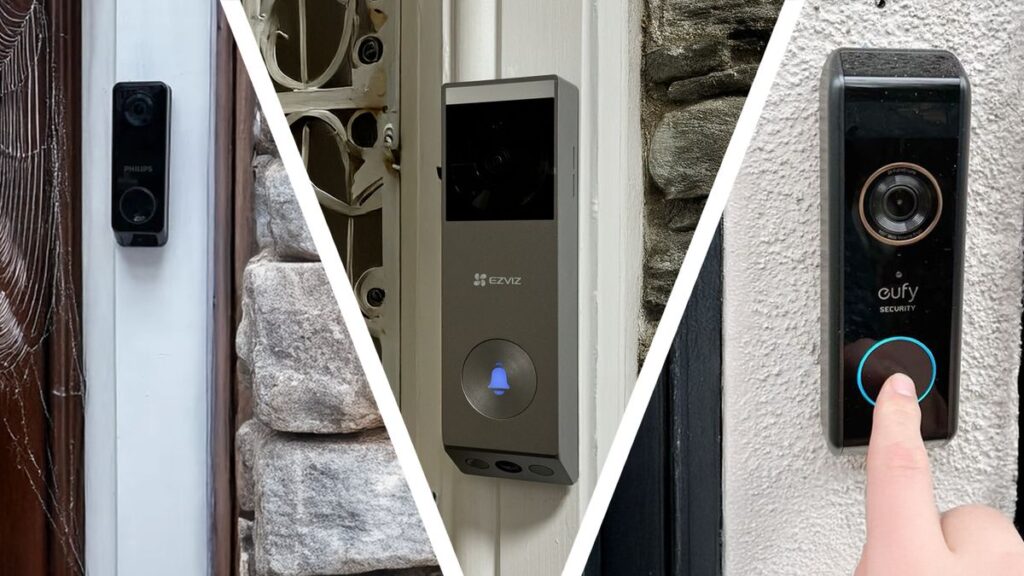
Completing your front-door setup? Pair your new lock with a camera. See our full comparison of the best smart video doorbells for the other half of your entryway.