A smart switch is the invisible upgrade. Unlike bulbs, it controls whatever light is already in the ceiling, and unlike plugs, it lives behind the wall where nobody sees it. The catch is wiring: switches replace the device inside your wall box, which means compatibility questions that bulbs never raise. In this guide, we compare the best smart switches to replace traditional light switches. We explain the neutral wire, dimming, and installation factors that decide which model fits your home.
How We Chose the Best Smart Switches
Smart switches live inside your walls for a decade. Therefore, the selection criteria matter more than with almost any other smart home device. These are the five factors we weigh most heavily:
- Neutral wire requirement. Most smart switches need a neutral wire in the wall box to power their radios. Some homes, especially older ones, lack it, and a few brands offer no-neutral models for exactly that situation.
- Dimmer or plain switch. Dimmers control brightness but need compatible bulbs. Plain switches are simpler and work with any bulb, including non-dimmable LEDs.
- Wiring configuration. Single-pole switches are straightforward. Three-way setups, where two switches control one light, need matching companion switches or special wiring.
- Form factor. A smart switch should match your wall plates. Rocker or paddle styles dominate the category, but toggle-style options exist for traditional homes.
- Radio and ecosystem. Wi-Fi direct models need no hub but crowd the network. Hub-based and Matter models integrate more cleanly, and all of them should support the assistants you use.
Lutron Caséta: The No-Neutral Reference
Lutron Caséta is the system electricians recommend when budget allows. Lutron built its name on professional lighting controls, and Caséta brings that engineering to the home market with its own reliable wireless protocol.
- No-neutral dimmers. Caséta includes dimmers designed for homes without a neutral wire, which is rare and genuinely valuable in older wiring.
- Rock-solid wireless. The system uses its own protocol through the Smart Bridge, so dozens of switches never crowd your Wi-Fi.
- Pico remotes. Handheld remotes mount anywhere, replacing three-way setups without rewiring the second box.
- Broad ecosystem support. Caséta works with Alexa, Google, and Apple Home, plus scenes that guests can actually use.
Where Caséta asks for more in return:
- Premium pricing. Caséta costs more than Wi-Fi rivals, and the Smart Bridge is an extra purchase.
- Closed ecosystem. Lutron’s hardware pairs only with Lutron’s system, so you commit to the brand.
Best for: owners who want the most reliable switches available, especially in homes without neutral wires.
TP-Link Kasa and Tapo: The Reliable Workhorses
TP-Link’s smart switches inherit the reliability that made Kasa plugs famous. They connect directly over Wi-Fi, install like standard Decora-style switches, and cost far less than premium systems.
- Proven software. The Kasa and Tapo apps handle schedules, scenes, and voice control with years of maturity behind them.
- Neutral-wire standard. Most models need a neutral, which suits homes built in recent decades.
- Dimmer and switch versions. Both on-off switches and dimmers exist, with clear compatibility lists for LED bulbs.
- No subscription. Everything runs through the app with no monthly fee, and no hub is required.
Where TP-Link asks for more in return:
- Neutral required. Older boxes without a neutral are out of luck unless you rewire.
- Wi-Fi load. Every switch joins your network, so large installations benefit from a strong router.
Best for: budget-minded owners with modern wiring who want dependable Wi-Fi switches.
Leviton Decora Smart: The Electrician’s Choice
Leviton Decora Smart comes from one of the oldest names in wiring devices. Its switches match the Decora plates already installed in millions of homes, and its catalog covers Wi-Fi, Z-Wave, and HomeKit options.
- Perfect plate match. Decora Smart switches blend into existing Decora wall plates without looking retrofitted.
- Broad catalog. On-off switches, dimmers, and companion switches cover single-pole and three-way setups properly.
- Technology options. Choose Wi-Fi, Z-Wave, or HomeKit-native versions to suit your network and ecosystem.
- Respected hardware. Leviton’s decades of switch manufacturing show in the build quality.
Where Leviton asks for more in return:
- Neutral required. Almost every Decora Smart switch needs a neutral wire in the box.
- App divides opinions. The My Leviton app works, but it trails Kasa’s polish.
Best for: owners who want hardware from a wiring-industry leader and a perfect match for existing Decora plates.
Meross: The Value Option With Matter
Meross brings its budget-friendly formula to wall switches, and its standout feature is compatibility. Matter and HomeKit support appear across the range at prices where rivals charge a premium.
- Matter and HomeKit support. Apple households get first-class integration without the usual tax.
- Familiar formula. Wi-Fi direct, app control, schedules, and voice support cover the essentials cleanly.
- Budget pricing. Meross undercuts the premium brands while covering the same core features.
Where Meross asks for more in return:
- Neutral required. As with most of the category, a neutral wire is mandatory.
- Smaller hardware footprint. Meross is a younger brand with a thinner support network than Lutron or Leviton.
Best for: Apple and Matter households that want capable switches without premium pricing.
Side-by-Side Comparison
| Lutron Caséta | TP-Link Kasa/Tapo | Leviton Decora | Meross | |
|---|---|---|---|---|
| Neutral wire | No-neutral models | Required | Required | Required |
| Radio | Own protocol + hub | Wi-Fi direct | Wi-Fi, Z-Wave, HomeKit | Wi-Fi, Matter |
| Best for | Older wiring | Modern homes | Plate match, 3-way | Apple and Matter |
| Hub needed | Smart Bridge | No | No | No |
| Ecosystem | Alexa, Google, Apple | Alexa, Google | Alexa, Google, Apple | Alexa, Google, Apple |
| Standout strength | Reliability | Value | Hardware heritage | Compatibility |
The Neutral Wire Question, Explained
The neutral wire is the single biggest compatibility factor, and it deserves a clear explanation. In modern wiring, each circuit carries live, neutral, and ground wires. The neutral returns current to the panel, and smart switches tap it to keep their radios powered while the light is off. Homes built in recent decades almost always have neutrals in the switch boxes, while older homes often do not.
Checking is easy: turn off the breaker, remove the switch plate, and look for white wires joined together in the back of the box. If they’re there, almost any smart switch will work. If not, your options narrow to no-neutral models like the Caséta dimmers mentioned above, or a professional rewiring job.
In other words, the neutral question decides your shortlist before brand preference ever does. Check the box first, and the shopping list writes itself. If you’re unsure what you found, photograph the wiring and ask an electrician before buying anything.
Dimmers and LED Compatibility
Dimmers add a second compatibility layer. Smart dimmers control brightness smoothly, but they need dimmable LED bulbs, and some LEDs misbehave on dimmers designed for older loads. Flicker, buzzing, and lights that won’t turn off completely are the classic symptoms.
Therefore, check the dimmer’s compatibility list against your bulbs before buying. Most brands publish one, and matching a listed bulb removes the guesswork. If you don’t need dimming, a plain smart switch sidesteps the issue entirely and works with every bulb. That simplicity is why on-off switches remain the most popular choice.
Smart Switches vs Bulbs vs Plugs
Smart switches, bulbs, and plugs overlap, so the choice comes down to what you control. Compare them like this:
- Switches control the whole fixture from the wall, work with any bulb, and never need recharging. They also require wiring, a neutral, and permanent installation.
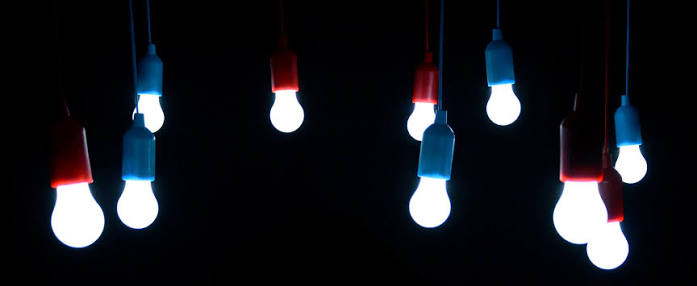
- Bulbs add color and dimming per fixture, install in seconds, and suit renters. We covered them in our best smart bulbs guide.
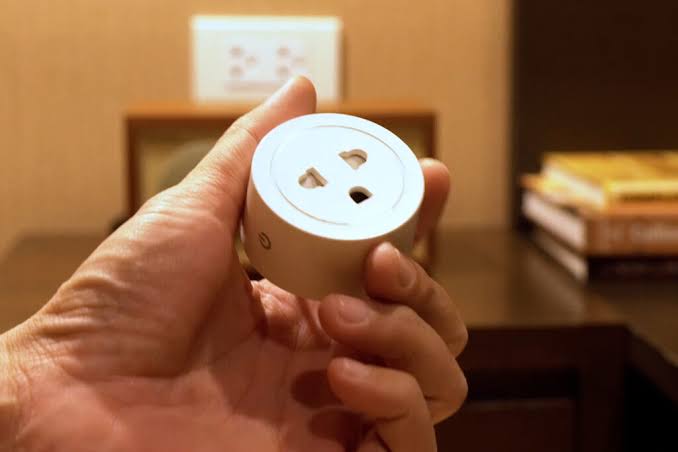
- Plugs control whatever plugs into an outlet, with zero wiring, which makes them the natural choice for lamps and appliances.
The practical rule: if the fixture has a wall switch you use daily, a smart switch is the upgrade that lasts. If you rent or want color, bulbs win. If the device plugs in, a plug beats both.
Installation Reality Check
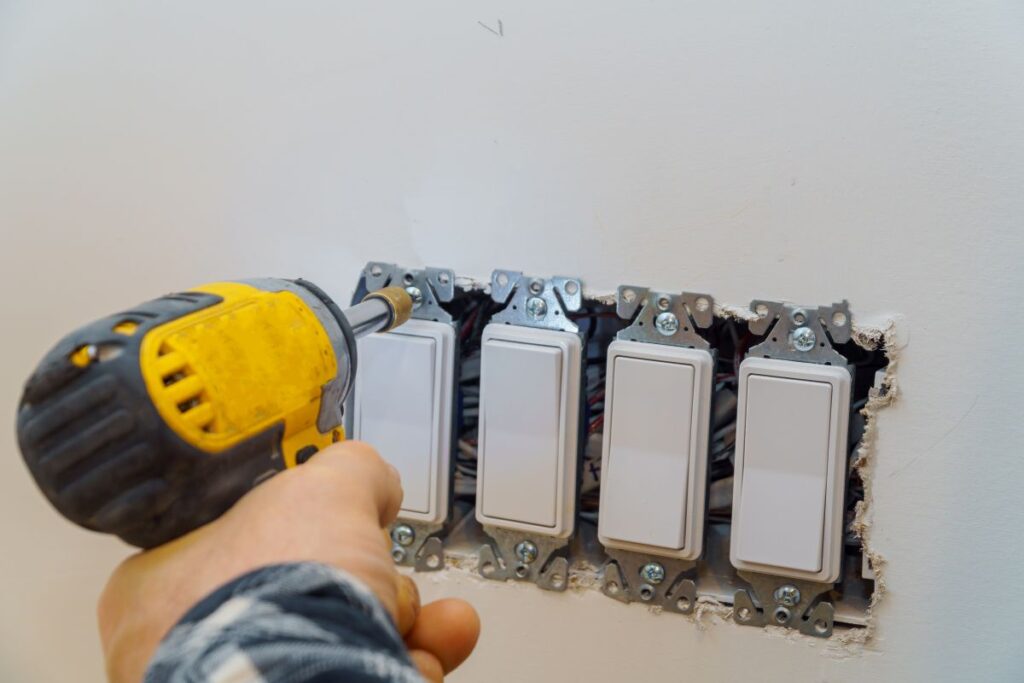
Installing a smart switch is DIY-able for careful owners, and a few realities set expectations:
- Single-pole is simple. One switch controlling one light is a straightforward swap for a competent DIYer.
- Three-way is trickier. Two switches controlling one light need companion models, and miswiring is easy.
- The breaker must be off. Mains voltage is unforgiving, and a voltage tester is not optional.
- Boxes can be crowded. Smart switches are deeper than basic ones, and old metal boxes sometimes need a spacer or a professional.
- When in doubt, call an electrician. A switch installation typically costs far less than the damage a mistake can cause.
Start with one single-pole switch in a room you use daily. Learn the pattern, and expand only when you’re comfortable with the process.
Our Recommendation by Situation
- Older home without neutrals → Lutron Caséta dimmers, which sidestep the wiring limitation.
- Modern home on a budget → TP-Link Kasa or Tapo switches, for proven reliability per dollar.
- Perfect plate match and 3-way setups → Leviton Decora Smart, with proper companion switches.
- Apple or Matter household → Meross, or Leviton’s HomeKit-native models.
- Renting or avoiding wiring entirely → skip switches; use smart plugs or bulbs instead.
- First installation → one single-pole switch, installed with the breaker off, before scaling up.
Final Thoughts
The best smart switches reward careful homework, because the wiring in your wall decides more than the brand on the box. Check for a neutral first, decide whether you need dimming, and match the form factor to your plates. Then choose among proven names like Lutron, TP-Link, Leviton, and Meross, and install one switch before committing to the whole house. Done properly, a smart switch disappears into the wall and quietly makes every bulb in the room smarter, for the next decade.
Renting, or not ready for wiring? Plugs give you app control without touching the wall box. See our smart plugs explained guide for the no-install alternative.