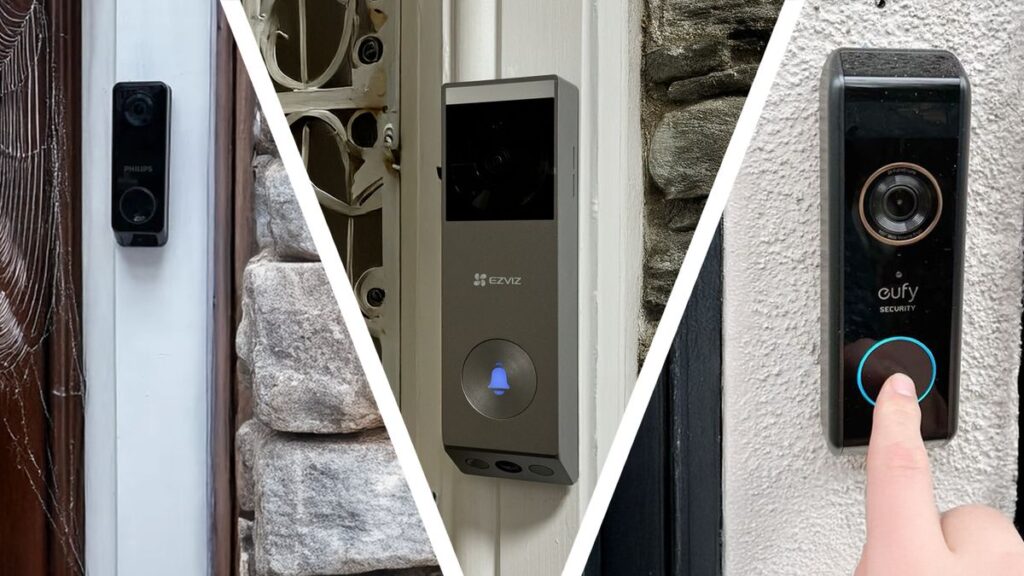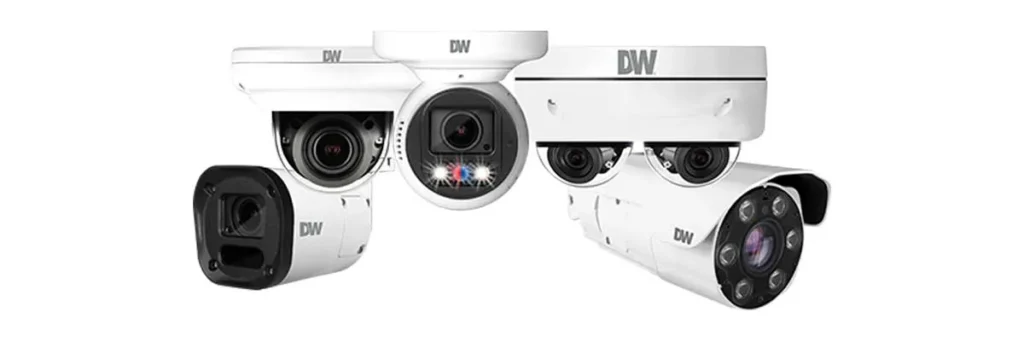
Most people shop for security cameras expecting a straightforward answer. The reality is messier. The choice between wired and wireless models shapes everything that comes after, from installation day to your monthly bills. Our video doorbell comparison covered the front door, so this guide focuses on the cameras that watch the rest of your property. We’ll compare wired vs wireless security cameras across installation, reliability, storage, and running costs. More importantly, we’ll show you which type actually fits the home you live in.
What “Wired” and “Wireless” Actually Mean
Start with terminology, because the industry uses these words loosely. A wireless camera connects to your home network over Wi-Fi. That part is simple. The confusion comes from power. Some wireless cameras run on rechargeable batteries, while others still need a cable plugged into a wall outlet. Meanwhile, a wired camera usually receives both power and data through a single cable. Many wired systems use Power over Ethernet, or PoE, which carries electricity and network signal through one cable to a central recorder.
In other words, the real question is never just wired vs wireless. It’s also about whether you’re willing to manage batteries, cables, or both. Keeping those two ideas separate makes every other decision easier, so we’ll use “wireless” to mean battery-powered from here on.
Wired Cameras: Built for Reliability
Wired cameras prioritize dependability over convenience. PoE kits from brands like Reolink and recorder-based systems from Lorex are the most common options. Both have loyal followings among homeowners who want no-compromise coverage.
Strengths:
- Continuous recording. A wired camera can record 24/7, because power and bandwidth never run out.
- No battery anxiety. You will never miss footage because a camera went to sleep or died.
- A rock-solid connection. Ethernet beats Wi-Fi for reliability, especially at distance or through walls.
- Local storage by default. Most wired systems save footage on a recorder inside your home, which usually means no monthly cloud fee.
Trade-offs:
- Serious installation. Running cables through walls or attics and mounting a recorder is not a casual weekend project.
- Fixed placement. Once the cables are in place, moving a camera is a genuine chore.
- Higher upfront cost, especially if you hire a professional to do the cabling.
Best for: homeowners who want always-on recording, don’t mind a permanent installation, and prefer paying once over paying monthly.
Wireless Cameras: Flexibility First
Battery-powered wireless cameras trade a little raw capability for enormous convenience. Brands such as Arlo and Eufy have built entire lineups around this trade-off, and for many households it’s the right one.
Strengths:
- Near-instant installation. Most models mount in minutes with screws or magnetic bases and pair through an app.
- Any placement you want. Point a camera at a shed, a gate, or a blind spot without planning cable routes.
- Renter friendly. As we covered in our guide to smart home devices for renters, battery cameras come down without leaving holes, cables, or a rewired doorbell behind.
- Effortless expansion. Adding a fifth camera later takes minutes, not an installer visit.
Trade-offs:
- Batteries need recharging every few months, depending on activity and settings.
- Wi-Fi dependency. Weak coverage means laggy streams or missed events, and a camera far from the router may need a range extender.
- Motion-triggered recording. To save battery, most wireless cameras sleep between events, so true 24/7 recording is rare.
- Subscription pressure. Cloud clip storage is the default business model for most wireless brands, though some, like Eufy, offer local storage through a base station.
Best for: renters, and anyone who wants working coverage this afternoon without a drill in hand.
Ecosystem Compatibility: A Minor Tiebreaker
Ecosystem loyalty is a real but secondary factor. As we explained in our Alexa vs Google Home vs Apple HomeKit comparison, cameras integrate unevenly across platforms. Ring pairs most naturally with Alexa, for example, while Google’s Nest cameras sit deepest inside Google Home. In contrast, standalone brands like Arlo and Eufy work across ecosystems through their own apps. Therefore, if you already live inside one assistant’s world, matching your camera brand to it usually feels smoother. That said, ecosystem rarely decides the wired-vs-wireless question by itself. It’s a tiebreaker, not a starting point.
Side-by-Side Comparison
| Wired (PoE or recorder) | Wireless (battery) | |
|---|---|---|
| Power source | Cable | Rechargeable battery |
| Data connection | Ethernet cable | Wi-Fi |
| Typical recording | Continuous, 24/7 | Motion-triggered |
| Installation | Drilling and cabling | Minutes, no drilling |
| Placement flexibility | Fixed once cabled | Easy to move anytime |
| Maintenance | None | Battery recharging |
| Typical storage | Local recorder | Cloud subscription or local base |
| Best overall fit | Owned home, permanent setup | Renters, flexible coverage |
The Missing Category: Plug-In Indoor Cameras
The story rarely ends with those two options, though. Indoors, a third type dominates: plug-in cameras that connect over Wi-Fi but draw power from a wall outlet. In fact, for watching a living room, nursery, or home office, a plug-in model often beats both extremes. It records far more consistently than a battery camera, since it never sleeps to save power. At the same time, it skips the cabling of a wired system, because any outlet works. For example, a plug-in camera on a bookshelf watches a whole room. A battery camera in the same spot would need recharging every few weeks. Outdoor coverage, however, usually still comes down to the wired vs wireless question, since outdoor outlets are rarely located where you actually want a camera.
Video Quality and Night Vision
Resolution and night vision deserve attention before you compare brands. Wired cameras have historically led on both, because a constant power supply supports higher bitrates, larger sensors, and brighter infrared. In fact, most 4K systems on the market are wired. Battery cameras, in contrast, must balance image quality against battery drain, so they often record at lower bitrates or wait for full light. That gap is closing, however: current wireless models from Arlo and Eufy capture sharp daytime footage, and their night vision is respectable.
The practical takeaway: if you need to identify faces or license plates, judge night vision on real sample footage. A cheap wired camera with weak sensors can lose to a good wireless one in practice, so specs on paper matter less than tested performance.
Storage and Subscriptions: Where Your Footage Lives
Storage drives the long-term cost of any camera, so it deserves its own section. Cloud plans are convenient: footage is stored off-site, accessible from anywhere, and safe even if the camera itself is stolen. However, subscriptions add up, both in money and in accounts to manage. Local storage, by contrast, keeps recordings in your home on a recorder, a base station, or a memory card inside the camera. You pay once and keep full control, but a thief can take the storage along with the camera, so think about where your recorder lives.
In practice, wired systems tend to include local storage by default, while wireless cameras push cloud plans harder. That single difference often decides the total cost of ownership over five years more than the camera price itself.
Privacy: What to Check Before You Install
Cameras are also a data decision. A security camera records who comes and goes, and indoors it can capture far more. That footage deserves the same care as any other personal information. The FTC’s consumer guidance on securing internet-connected devices at home is a sensible starting point. Change default passwords, keep firmware updated, and enable two-factor authentication where available. Beyond that, prefer brands that let you disable cloud uploads, and think twice about pointing indoor cameras at bedrooms or bathrooms.
Storage choice is a privacy choice: local recording keeps footage in your home, while cloud recording trades that control for convenience. Neither is wrong, but the decision should be yours, not an afterthought of whichever camera you happened to buy.
Wired vs Wireless Security Cameras: The Decision Framework
Here’s the framework we use when someone asks which type to buy:
- Can you drill and run cables? If yes, wired systems unlock 24/7 recording and local storage. If no, wireless is your realistic path.
- Do you rent or move often? Battery cameras travel with you. A wired system belongs to the house.
- Is your Wi-Fi strong everywhere you need coverage? If the garden or garage has weak signal, a wired camera solves the problem directly. A wireless one needs a mesh system or extender first.
- Do you want continuous evidence, or event alerts? For catching a license plate or a slow prowler, 24/7 recording matters. For knowing when someone walks up the drive, motion alerts are enough.
- How do you feel about subscriptions? Add the monthly cost over three years to any wireless camera’s price before comparing it with a wired system.
The honest summary is simple: wired wins on raw capability, wireless wins on flexibility, and your situation decides which one matters more. For most homes, the answer is not as dramatic as the marketing suggests. It’s simply whichever type you can install and maintain comfortably.
Our Recommendation by Situation
- Renting or planning to move soon → battery wireless cameras, mounted without drilling.
- Owned home, want 24/7 evidence → a wired PoE system from a brand like Reolink or Lorex.
- Indoor monitoring of a nursery or living room → a plug-in camera, which is the sweet spot nobody advertises.
- Large property or weak outdoor Wi-Fi → wired, because distance is exactly where Wi-Fi cameras struggle.
- Deep in one ecosystem → match brands, with Ring alongside Alexa and Nest inside Google Home, then pick the type your installation allows.
- On a strict monthly budget → look for local storage options, wired or wireless, to avoid subscription creep.
Frequently Asked Questions
Are wired cameras more reliable than wireless ones?
Yes, by a wide margin. A wired camera has continuous power and a cable for data, so it does not drop when the Wi-Fi weakens or a battery runs flat. That reliability is the main reason installers prefer them.
Can a wireless camera run on battery permanently?
No. Battery models need recharging every few weeks to months, and cold weather cuts that further. They are a compromise for places where a cable cannot go, not a replacement for wired power.
Do wireless cameras need Wi-Fi?
Yes, either your home network or a proprietary base station. The base station route keeps traffic off your router and often improves range, at the cost of another box and vendor lock-in.
Is a wired system better for privacy?
Usually, because local recording keeps footage in the house. Many wireless cameras push clips to a cloud account by default, which means the footage leaves your network whether you watch it or not.
Which is better for renters?
Wireless, almost always. Nothing gets drilled, the camera moves with you, and a battery model covers a doorway without touching the building’s wiring.
Do wireless cameras use a lot of bandwidth?
More than people expect, especially at high resolution with constant recording. Continuous cloud upload can saturate a modest connection, while motion-only recording keeps it manageable.
Final Thoughts
There is no universal winner between wired and wireless cameras, and pretending otherwise does buyers a disservice. A wired system offers dependability and continuous recording at the cost of installation effort. A wireless one offers freedom and speed at the cost of batteries and subscriptions. In fact, many homes end up with a hybrid anyway. Battery cameras cover the most visible points, while one wired camera watches the spot that truly matters. Therefore, start from your walls, your lease, and your Wi-Fi, and the right answer becomes obvious. The best wired vs wireless security cameras are simply the ones you will actually install, maintain, and keep watching.
Updated 23 October 2026: added a link to a related guide.
Updated 23 October 2026: added a FAQ section.
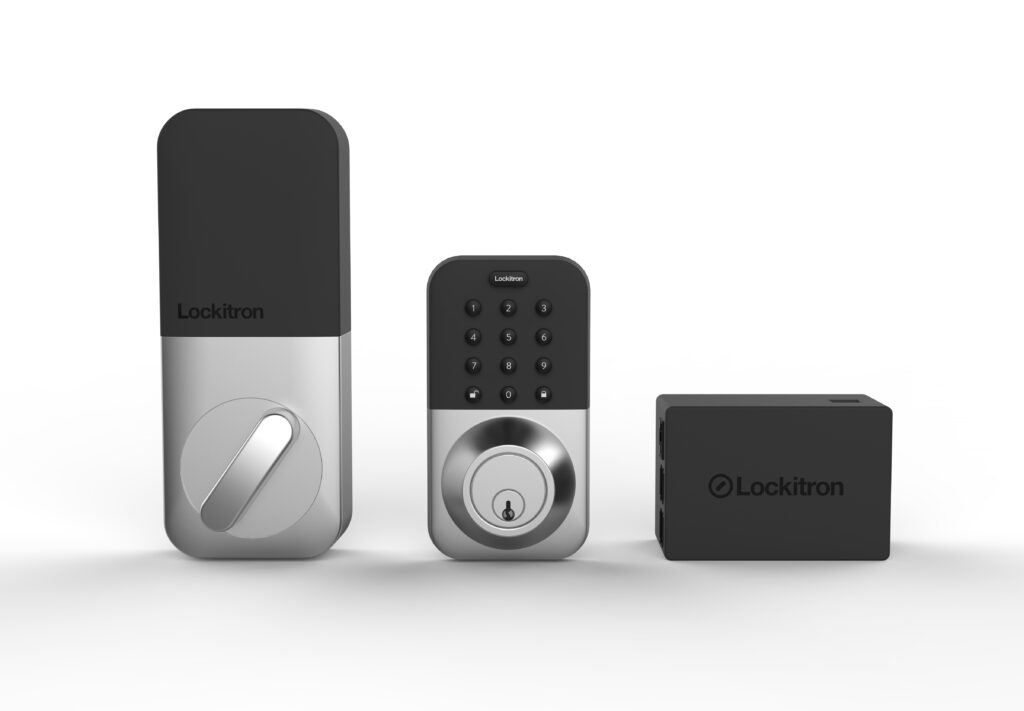
Your cameras watch the perimeter, but the door is still the entry point. See our guide to the best smart locks for front doors to close the loop.
Insurance discounts are a separate question from camera quality, and our guide on whether smart cameras lower your premium sets realistic expectations.
Written by Ángel D. Serrano, who runs Automating Our Home. Finishing a philosophy degree, a patient reader of manuals, and the person who has broken more smart plugs than he will admit. He writes the guides so you only have to decide once.