A smart home grows one gadget at a time, and the gadgets rarely share a language. Lights speak one protocol, plugs speak another, and sensors speak a third, while every brand pushes its own app. A hub exists to end that chaos: one box, one app, and automations that cross brand boundaries. However, hubs range from mainstream bridges to open-source computers, and picking wrong means either outgrowing it fast or drowning in setup menus. In this guide, we compare the best smart home hubs for homes with multiple device brands. We explain the protocol, privacy, and automation questions that separate the right hub from the wrong one.
The Hub Problem, Explained
Every smart device uses one of a handful of wireless languages. Zigbee and Z-Wave are the veterans, Matter and Thread are the modern standards, and Wi-Fi and Bluetooth sit underneath most consumer gear. A hub speaks several of these languages and translates between them. That lets a Zigbee sensor trigger a Wi-Fi plug without either brand knowing about the other.
The hub also runs the automations. Without one, your scenes depend on a cloud service or a phone app that must stay online. With one, rules like «when the door sensor opens after sunset, turn on the entry light» execute locally and instantly. That combination of translation and local brains is the whole value proposition. Without local brains, a scene that depends on the cloud can stall for seconds or fail entirely during an outage.
How We Chose the Best Smart Home Hubs
- Protocol support. The more radios a hub speaks, the more of your existing and future gear it can adopt.
- Local vs cloud processing. Local hubs keep working when the internet drops and keep your data at home. Cloud hubs are easier but depend on the vendor.
- Ecosystem compatibility. A good hub still needs to talk to Alexa, Google, or Apple, since voice is how families control things.
- Automation depth. Simple routines suit most homes, while rule engines and scripting suit tinkerers.
- Learning curve and price. The most powerful hubs demand the most effort, and the mainstream ones trade power for simplicity.
SmartThings: The Mainstream Bridge
Samsung SmartThings is the closest thing to a universal mainstream hub. It connects hundreds of brands through one app, and its hubs carry Zigbee, Z-Wave, and Matter support, with Thread on newer hardware.
- Huge device compatibility. SmartThings adopts most major brands without fuss, which suits mixed homes perfectly.
- A polished app. Scenes, automations, and dashboards work well enough for the whole family, not just the resident tinkerer.
- Voice integration. Alexa and Google control SmartThings devices, and Samsung TVs and appliances join natively.
- Sensible growth path. Start with the app alone, then add a physical hub as the device count grows.
Where SmartThings asks for more in return:
- Cloud involvement. Automations and voice rely partly on SmartThings’ cloud, so an internet outage dulls the system.
- Moderate depth. Complex automations are possible but clunkier than on prosumer hubs.
Best for: mainstream homes that want one app for many brands without a technical hobby.
Home Assistant: The Open-Source Powerhouse
Home Assistant is the tinkerer’s dream. The open-source platform runs on its own hardware or anything you own, with local control and privacy as founding principles.
- Local by default. Automations run on your hardware, and your data never visits a vendor cloud.
- Thousands of integrations. If a device exists, someone has built an integration for it, which makes Home Assistant the most compatible platform on earth.
- Total automation freedom. Scripting, dashboards, and voice pipelines do things no consumer hub attempts.
- Runs on your terms. Buy their hardware or install the software on a mini-PC or Raspberry Pi.
Where Home Assistant asks for more in return:
- A real learning curve. Setup, integrations, and maintenance demand patience and occasional weekend tinkering.
- You become the support desk. When something breaks, the community helps, but there is no vendor hotline.
Best for: enthusiasts who want total control, maximum device coverage, and zero cloud dependence.
Homey: The Broadest Radio Collection
Homey wins on hardware reach. Its Pro hub packs Zigbee, Z-Wave, Thread, Matter, Bluetooth, and even infrared into one box. That breadth lets it control tens of thousands of devices, including old IR appliances other hubs ignore.
- Radios for everything. Few hubs match Homey’s built-in protocol coverage out of the box.
- An app store model. Official and community apps add device support and flows, which expands the platform constantly.
- User-friendly flows. Automations are visual and approachable, bridging the gap between SmartThings and Home Assistant.
- Voice and remote access. Homey works with Alexa, Google, and Siri, with remote control through its portal.
Where Homey asks for more in return:
- Premium price. Homey Pro costs more than mainstream hubs.
- Cloud portal dependency. Some features route through Homey’s cloud, though local control covers the core.
Best for: mixed households with legacy IR devices and buyers who want broad reach without scripting.
Hubitat: Local-First for the Privacy-Minded
Hubitat Elevation competes with Home Assistant on local control and with SmartThings on ease of use. Its hub runs everything on-device, with Zigbee, Z-Wave, and growing Matter support on current hardware.
- Fully local processing. Automations, dashboards, and rule logic run in the box, immune to cloud outages.
- Z-Wave and Zigbee depth. Legacy mesh networks are first-class citizens, which matters for long-time smart home owners.
- No subscription, no account games. Buy the hub and own the system, with free mobile apps.
- Solid rule engine. Complex conditions and timers beat mainstream apps without requiring code.
Where Hubitat asks for more in return:
- Clunky interfaces. The web-based tools work but look and feel dated compared with modern rivals.
- Smaller community than Home Assistant, so niche questions get slower answers.
Best for: privacy-focused owners with existing Z-Wave or Zigbee gear who want local automation without open-source tinkering.
Side-by-Side Comparison
| SmartThings | Home Assistant | Homey | Hubitat | |
|---|---|---|---|---|
| Protocols | Zigbee, Z-Wave, Matter | Nearly everything | Zigbee, Z-Wave, Thread, Matter, IR | Zigbee, Z-Wave, Matter |
| Processing | Cloud plus local | Local | Local plus cloud portal | Fully local |
| Ease of use | High | Low | High | Medium |
| Automation depth | Medium | Unlimited | High | High |
| Best fit | Mainstream homes | Enthusiasts | Broad reach, IR devices | Privacy-focused owners |
Matter and Thread: The Future That’s Finally Here
Matter is the interoperability standard backed by Amazon, Apple, Google, and most major brands, and it changes the hub math. Matter-certified devices talk to each other directly. Thread provides a low-power mesh network that border routers, often built into speakers and hubs, extend through the home.
The practical effect: many devices no longer need a hub at all, since phones and assistants can control them directly. However, automations still need a brain, and Matter devices still benefit from a hub that runs rules locally. Therefore, the modern advice is to choose hubs with strong Matter and Thread support, since that future-proofs the purchase better than raw Zigbee depth alone. In practice, Matter has already ended the worst of the brand wars. A bulb from one company joins a hub from another without pairing rituals, and Thread devices hop between border routers automatically. The hub’s remaining role is clear: run automations, store history, and keep everything working when the cloud blinks.
Do You Even Need a Hub?
- Small setups with a few Wi-Fi devices and one assistant app rarely need a hub at all.
- Mixed radios with Zigbee sensors, Z-Wave locks, or many brands benefit immediately from one.
- Reliability seekers want automations that survive cloud hiccups and internet outages.
- Automation lovers outgrow assistant routines quickly, and hubs offer the depth they crave.
- Privacy owners keep data local, which only a local hub provides.
For a sense of scale, a handful of plugs and bulbs can run happily through an assistant app. We covered that no-hub path in our smart plugs explained guide. The hub becomes worth its price around the tenth device, when cross-brand automations start to matter.
Speakers as Hubs: The Accidental Option
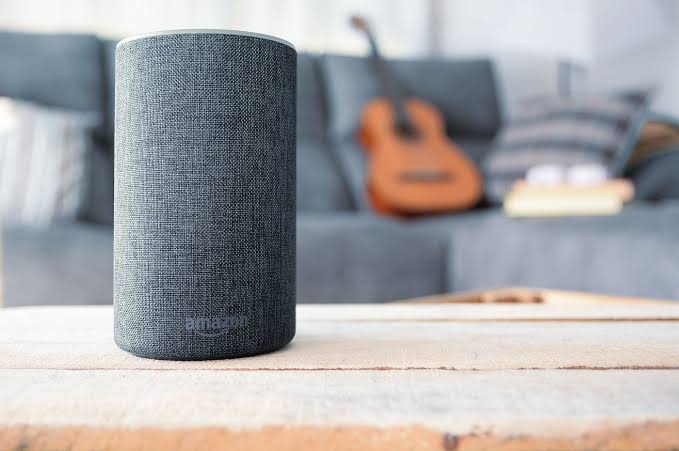
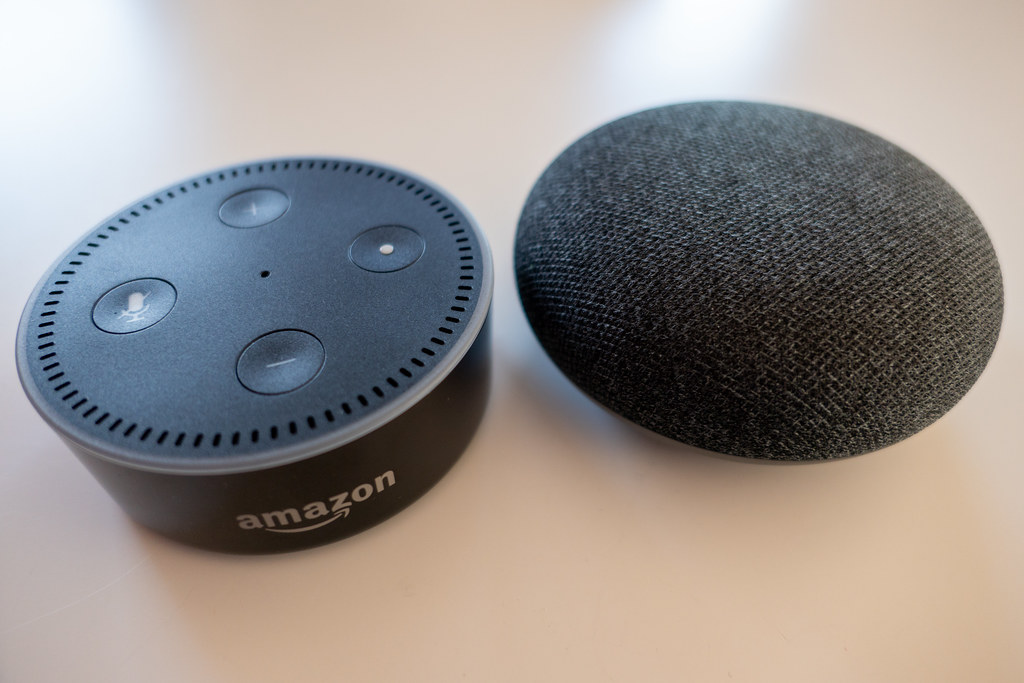
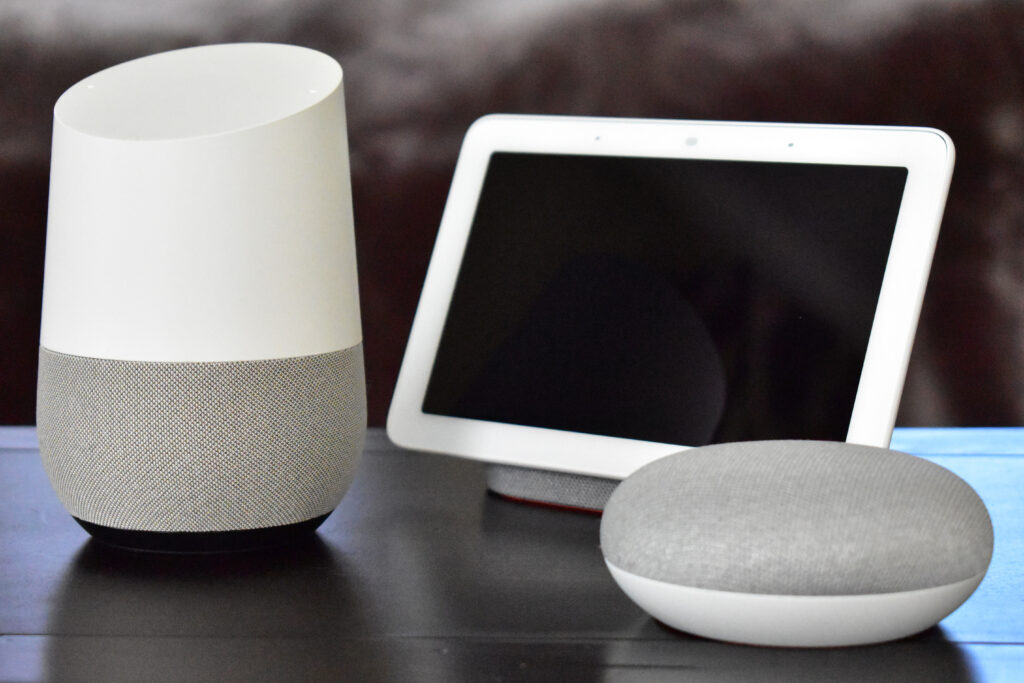
Smart speakers increasingly double as hubs. Echo models carry Zigbee and Matter radios, and HomePod minis act as Thread border routers. Google speakers support Matter too, which means many households own a hub already without realizing it. The limitation is depth: assistant hubs run simple routines well and complex ones poorly, and they bind you to one ecosystem.
We compared the speaker options in our best smart speakers guide. If you already own several, try their hub features before buying dedicated hardware, since the free option may cover your automation needs. Remember that speaker hubs also enforce one ecosystem, while dedicated hubs stay assistant-agnostic, which matters if you ever switch assistants.
Our Recommendation by Situation
- Mainstream mixed home, one app wanted → SmartThings, for compatibility without a hobby.
- Tinkerer who wants everything local → Home Assistant, on its own hardware or yours.
- Legacy IR devices in the mix → Homey, for the broadest radios under one roof.
- Privacy first with existing mesh gear → Hubitat, for fully local Z-Wave and Zigbee.
- Apple-centric home → a HomePod mini as a Thread border router before any dedicated hub.
- Just starting out → skip the hub until the tenth device, and revisit this guide then.
Final Thoughts
The best smart home hubs solve the problem your home actually has, not the one the marketing imagines. Count your radios, decide how much cloud you tolerate, and be honest about how much setup you enjoy. SmartThings covers the mainstream, Homey covers the hardware zoo, Hubitat covers privacy, and Home Assistant covers the true enthusiasts. All four will happily run the lights, plugs, and thermostats this site covers. They also reward the same advice: start small, automate what repeats, and let the hub earn its place one routine at a time.
Once the hub runs the house, the lights are usually the first happy customers. Our best smart bulbs guide shows where to start the device shopping.